
NOTE
Go Environment Setup
Installing Go, configuring GOROOT/GOPATH/GOBIN/GOPROXY/GOPRIVATE, common Go commands, and IDE setup.
This is a historical learning note and may contain outdated or incomplete understanding.
1. Install Golang
1.1. Download
1.2. Configure Environment Variables
On Windows, directly right-click Computer to modify environment variables, then restart for them to take effect.
On Linux, generally modify /etc/profile, then run source /etc/profile for it to take effect.
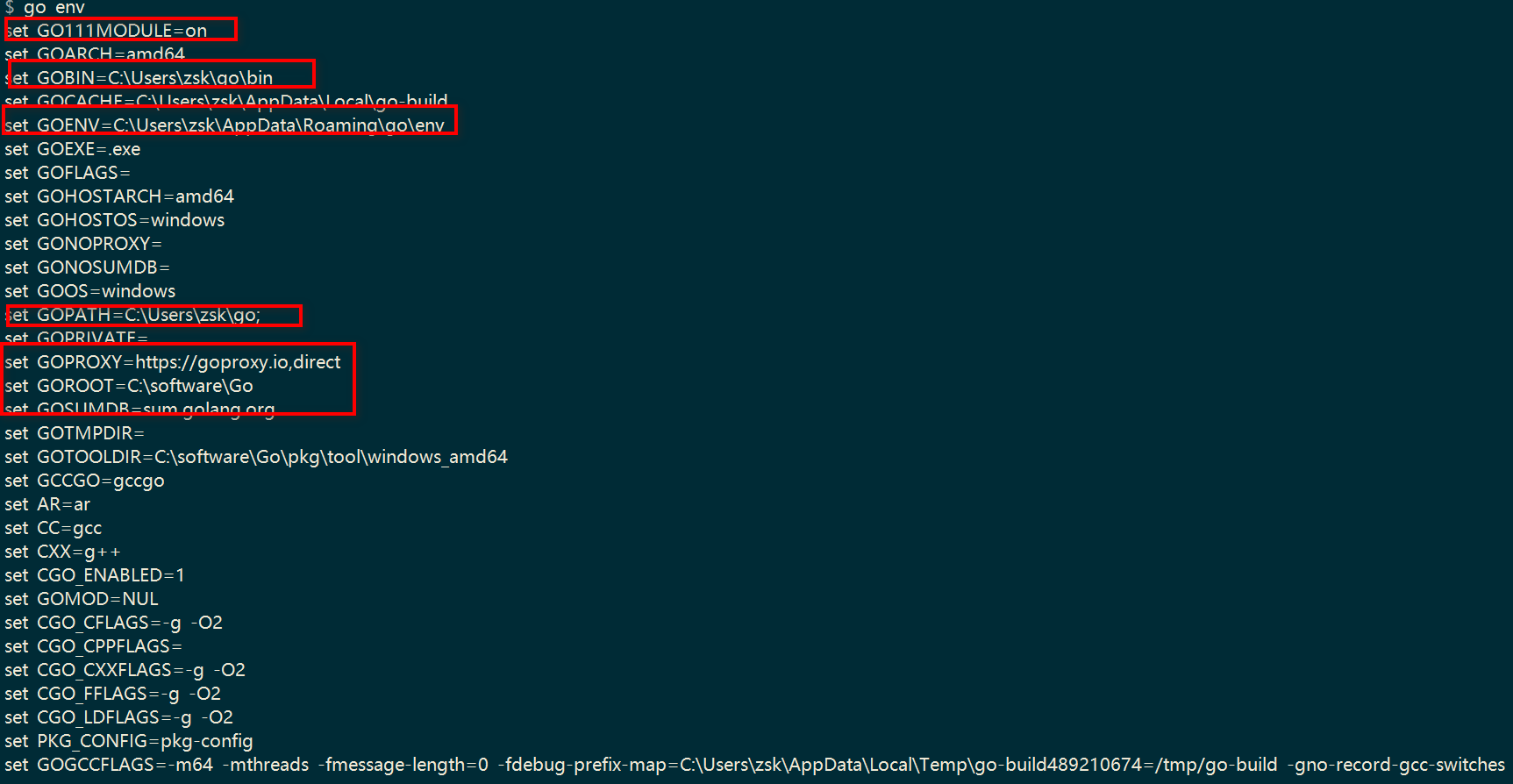
Newer versions of Golang can use go env -w VARIABLE_NAME="" to set environment variables, which are stored in <USER_HOME>\AppData\Roaming\go\env.
1.2.1. GOROOT
The installation root directory. It is configured by default and usually does not need to be set.
Important directories include:
bindirectory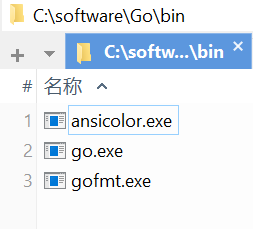
pkgdirectory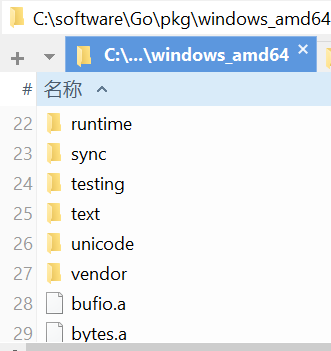
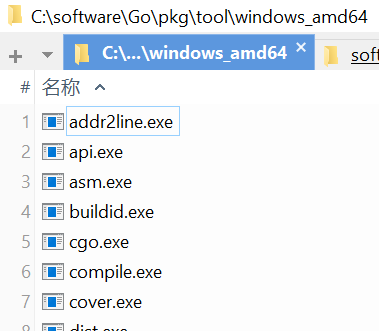
srcdirectory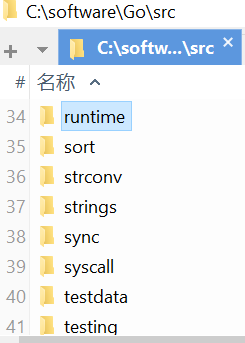
1.2.2. GOPATH
Provides a path where .go source code can be found. It is a workspace concept and can contain multiple directories.
It needs to contain three folders:
src # stores source files
pkg # stores library files compiled from source files, with the .a suffix
bin # stores executable files
1.2.3. GOBIN
The location where executable files produced by go install are stored. It generally does not need to be configured and defaults to GOPATH/bin.
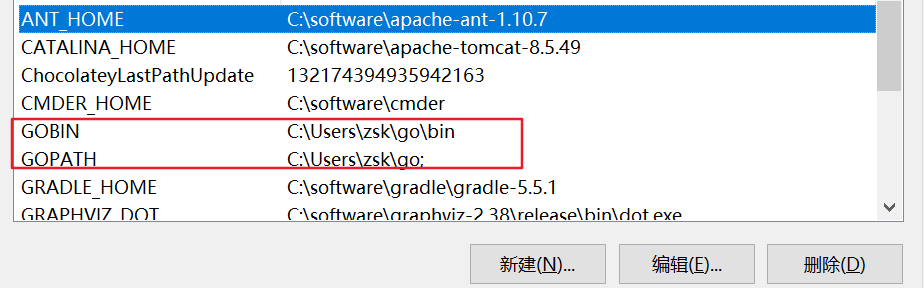
1.2.4. GOPROXY + GOPRIVATE
GOPROXY.IO - A Global Proxy for Go Modules
1.3. View Environment Variables
Use go env to check whether the configured environment variables are correct.
2. Common Go Commands
2.1. go build
Used to compile the source files in specified packages and their dependencies. During compilation, it looks for source files under $GOPATH/src/package.
2.2. go install
Used to compile and install specified code packages and their dependencies. Compared with go build, it only adds one more step: installing the compiled result files into the specified directory.
2.3. go run
Compiles and runs command source files.
2.4. go tool compile
go tool compile -S xxx.go generates asm.
3. Git Configuration
git.md (the related note has not been published yet)
4. VS Code
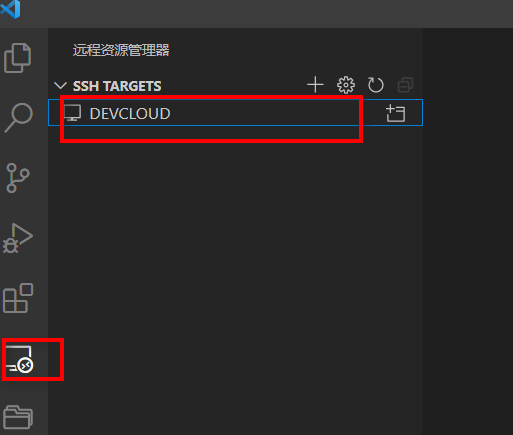
4.1. Remote Development
vim ~/.ssh/config
Host DEVCLOUD
   HostName server IP
   User <USER>
   Port server port
IdentityFile <USER_HOME>\.ssh\id_rsa- Passwordless login to the server SSH Passwordless Login in Three Steps - CSDN Blog
5. Goland
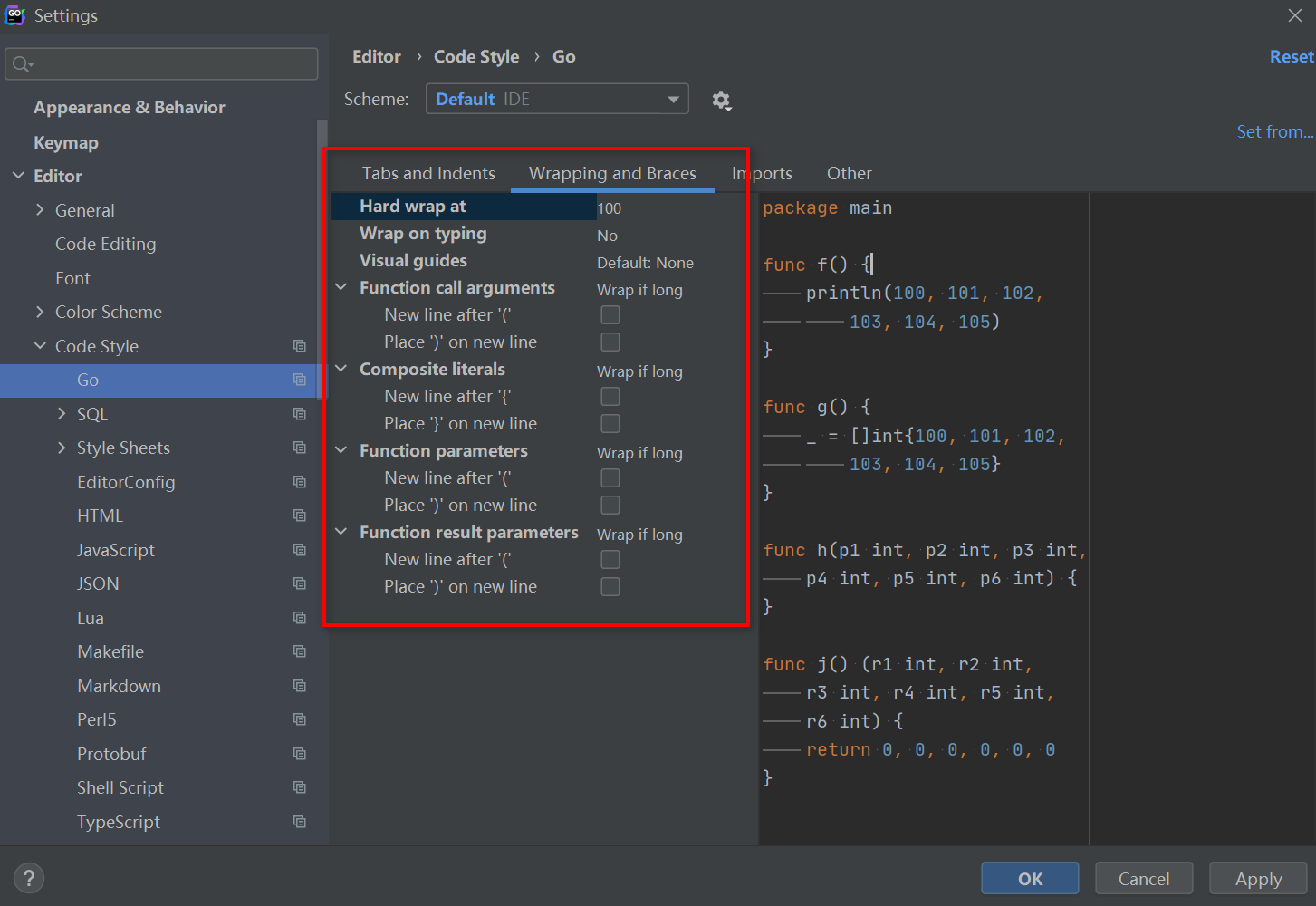
5.1. Code Formatting
-
Single-line limit
-
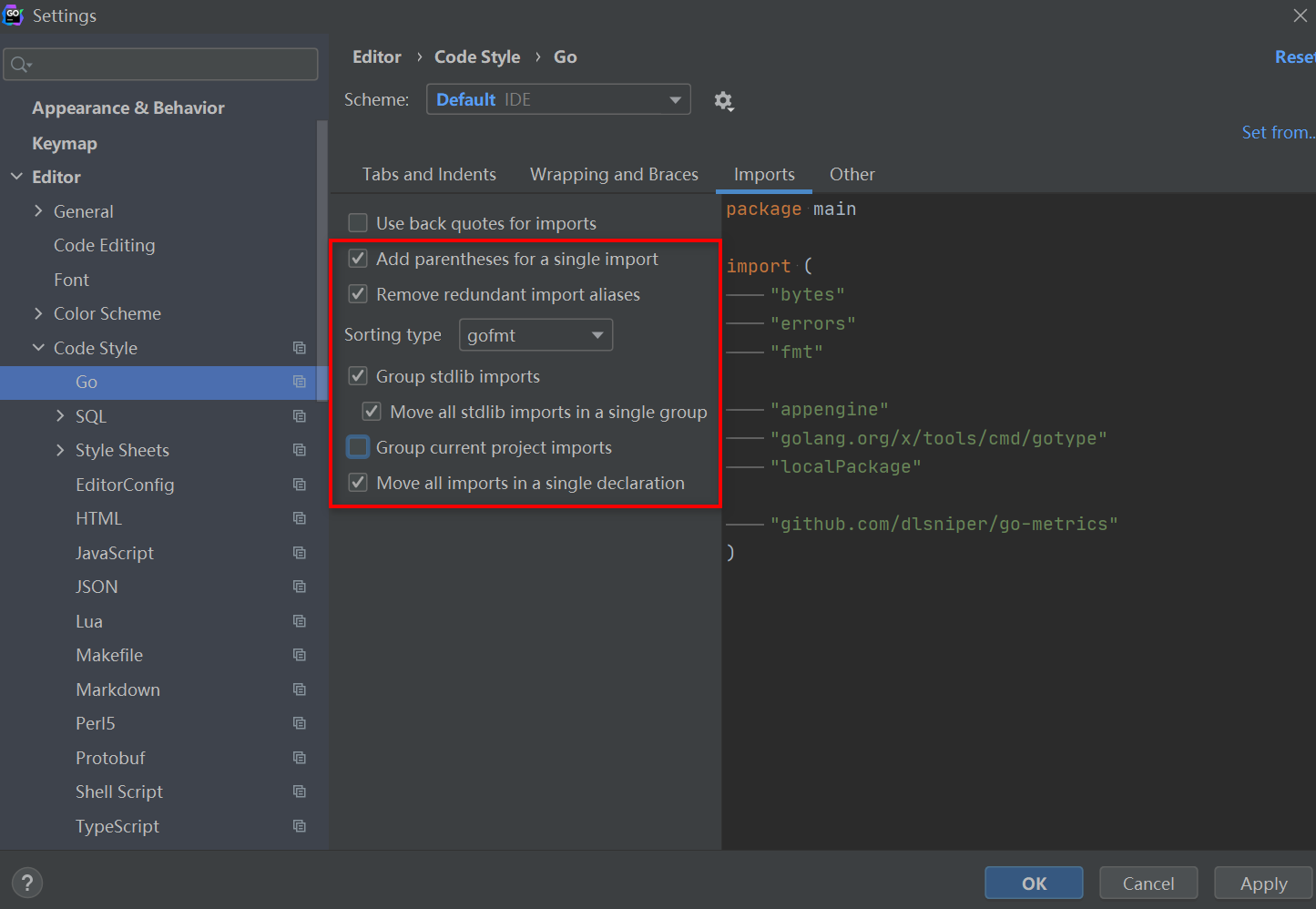
Import sorting
-
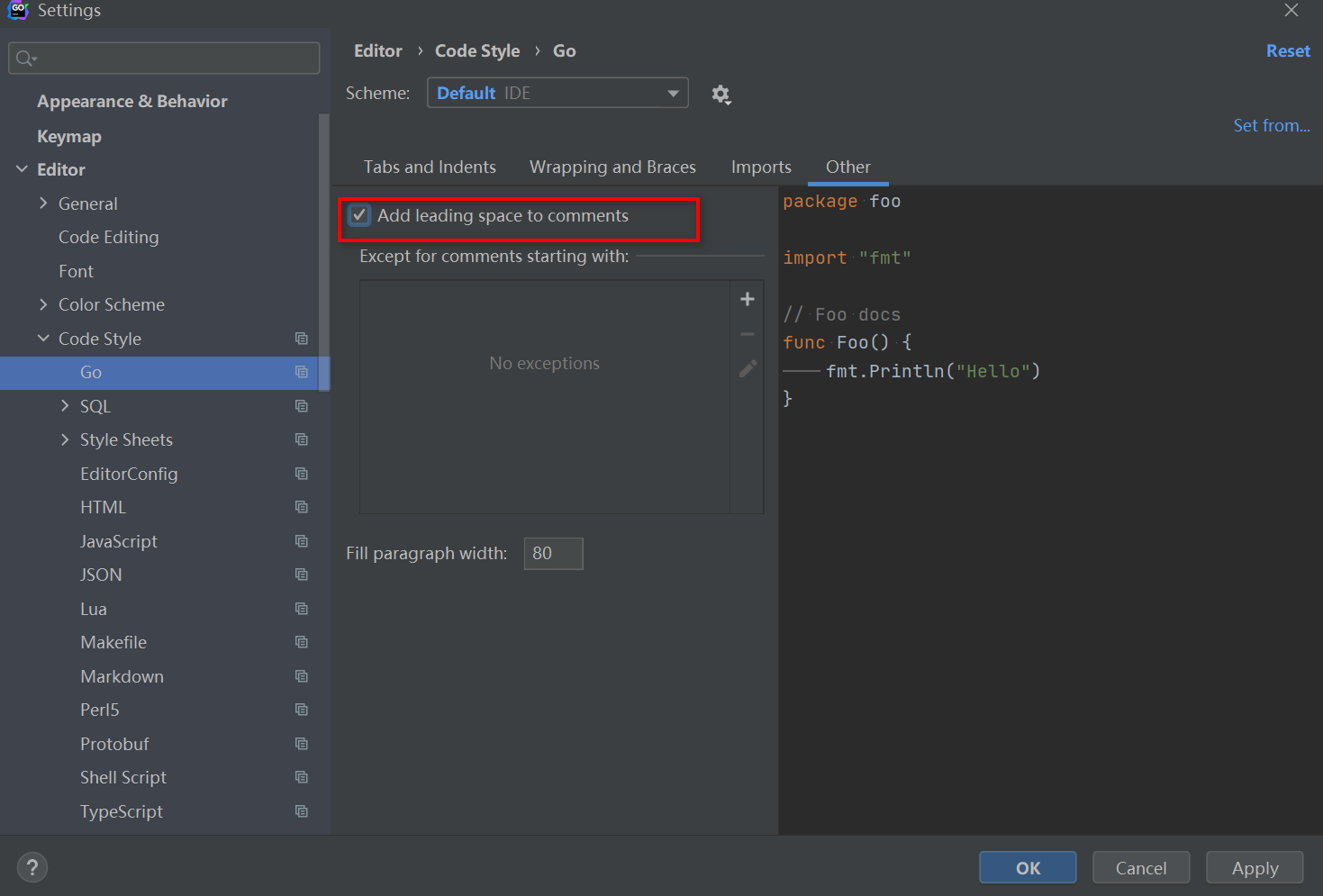
Spaces in comments
-
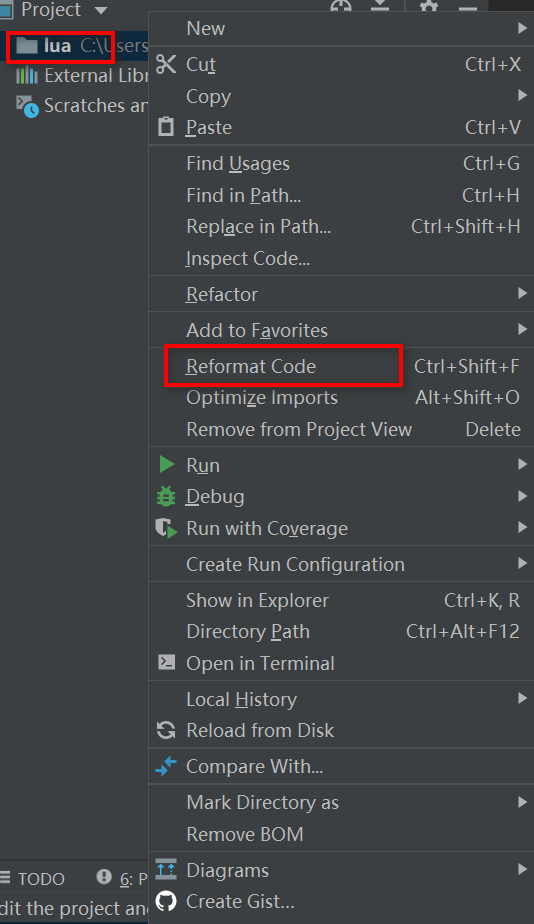
Format code
-
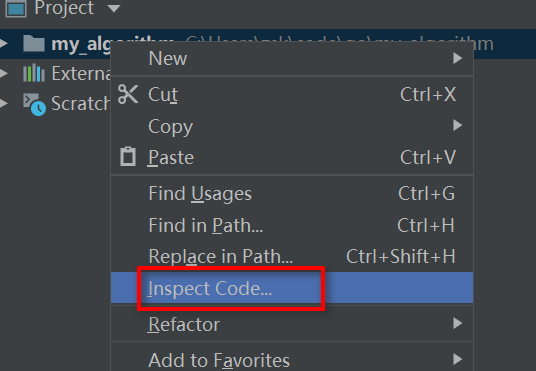
Inspect problems
Discussion
Sign in with GitHub to comment. Discussions are stored as GitHub Issues.View on GitHub