
NOTE
2.2 Prometheus Installation
Prometheus and Node Exporter installation and basic configuration.
This is a historical learning note and may contain outdated or incomplete understanding.
1. Download Prometheus
2. Extract and Start Prometheus
tar xvfz prometheus-*.tar.gz
cd prometheus-*
./prometheus
3. Open in the Browser
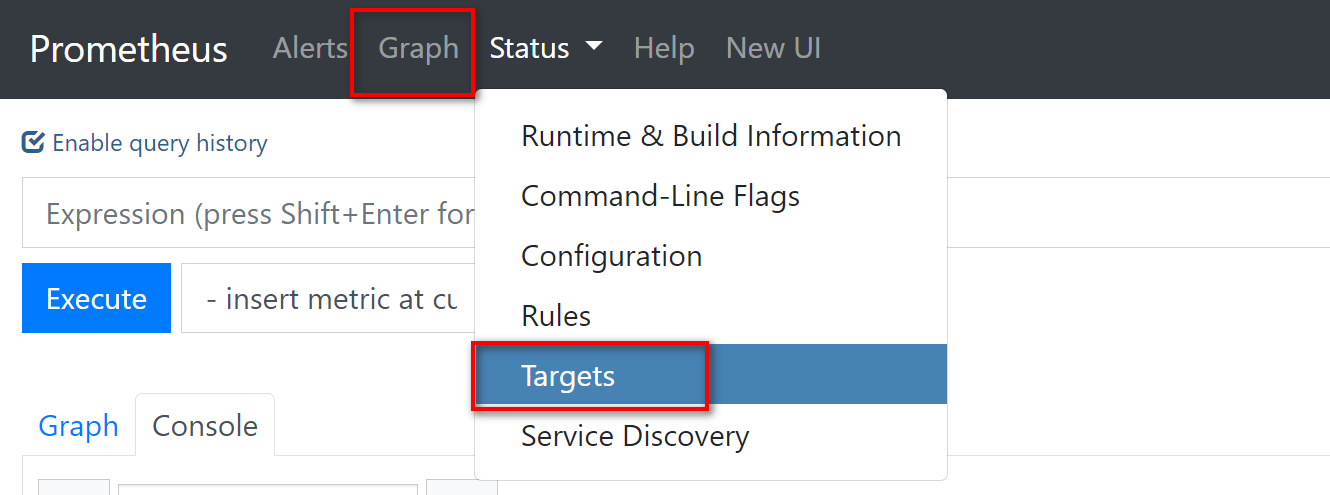
4. Install Node Exporter
4.1. Download Node Exporter
4.2. Extract and Start Node Exporter
tar -xvf node_exporter-*.tar.gz
cd node_exporter-*
./node_exporter
4.3. Configure Prometheus
-
vim prometheus.yml
scrape_configs:
  # ...
  - job_name: 'node'
    static_configs:
    - targets: ['localhost:9100']
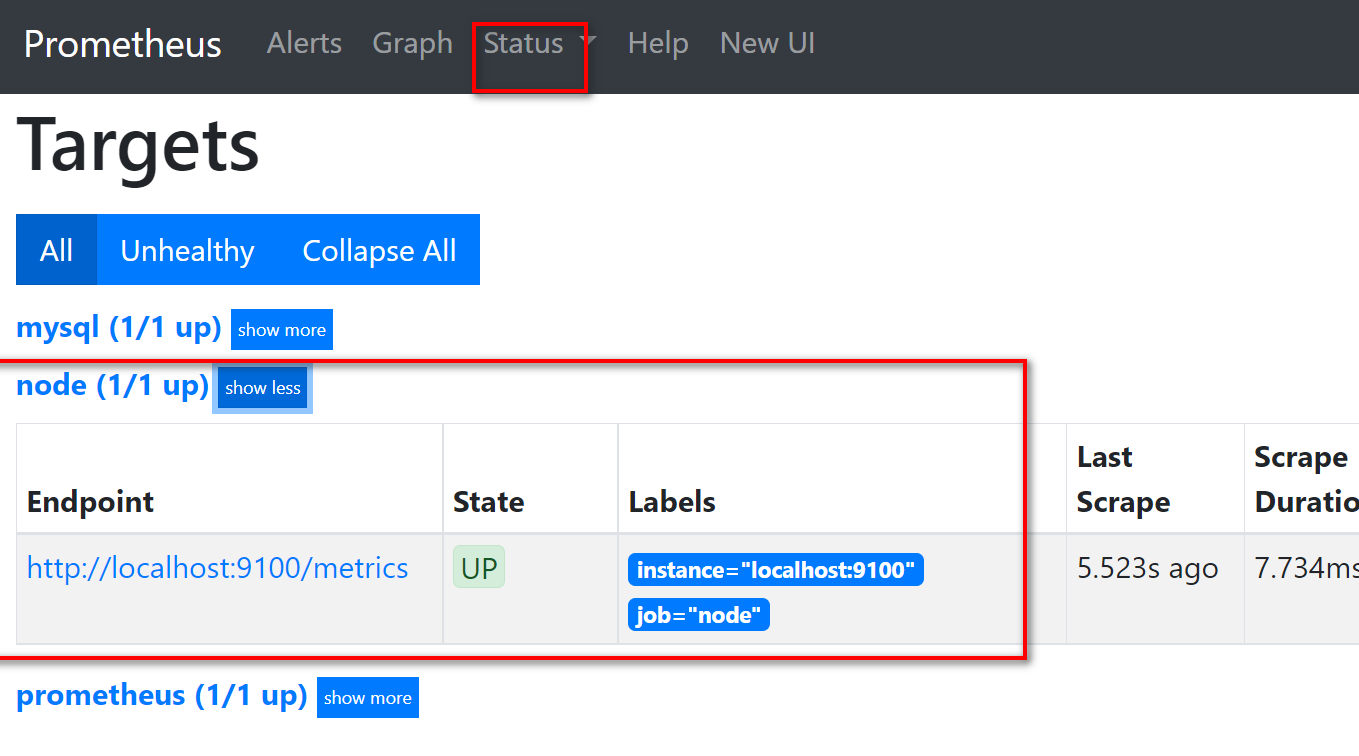
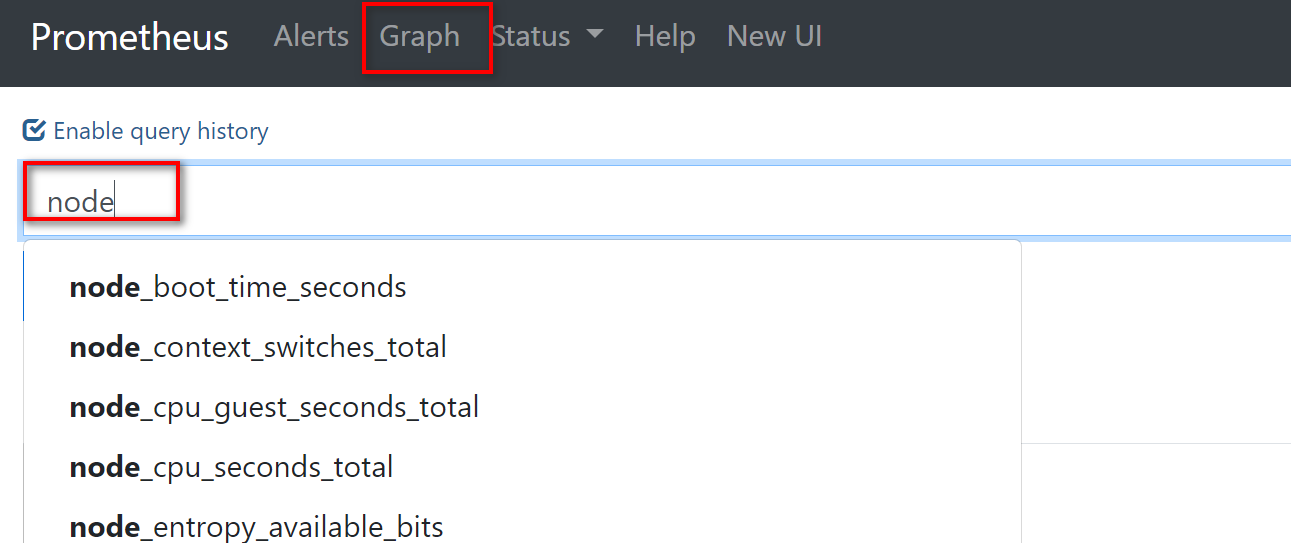
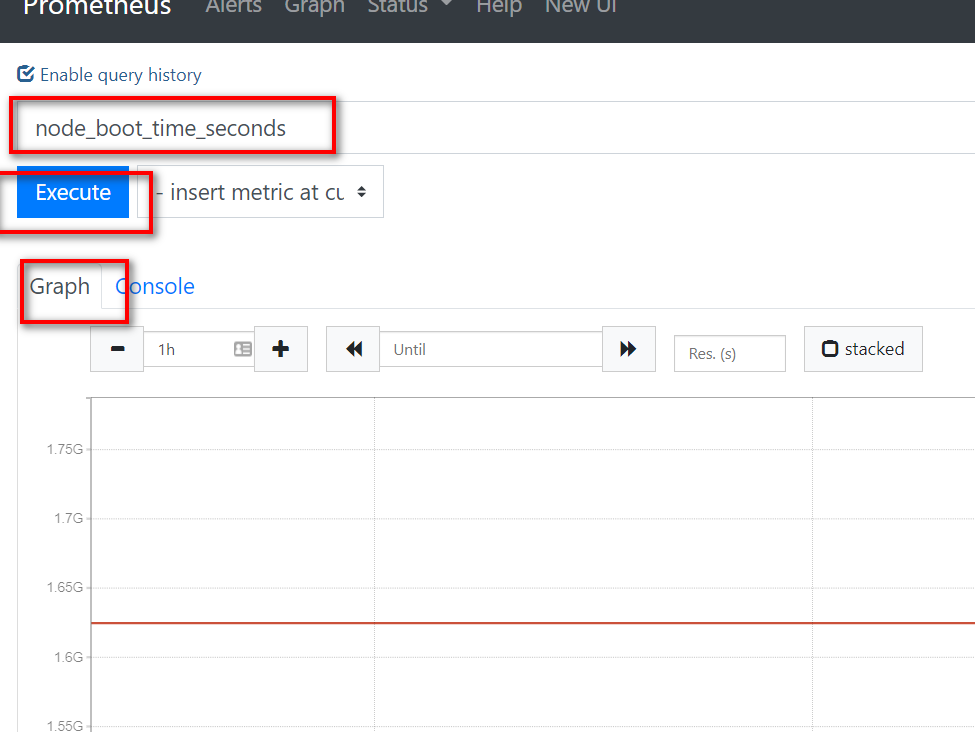
Discussion
Sign in with GitHub to comment. Discussions are stored as GitHub Issues.View on GitHub